For businesses and conferences

Collect event photos through QR codes. Share approved shots.

Place the QR code at registration, in your presentation or on tables. Participants upload without an app. Review their photos and share a gallery or selection after the event.

€79.00 per event One-time payment · no subscription

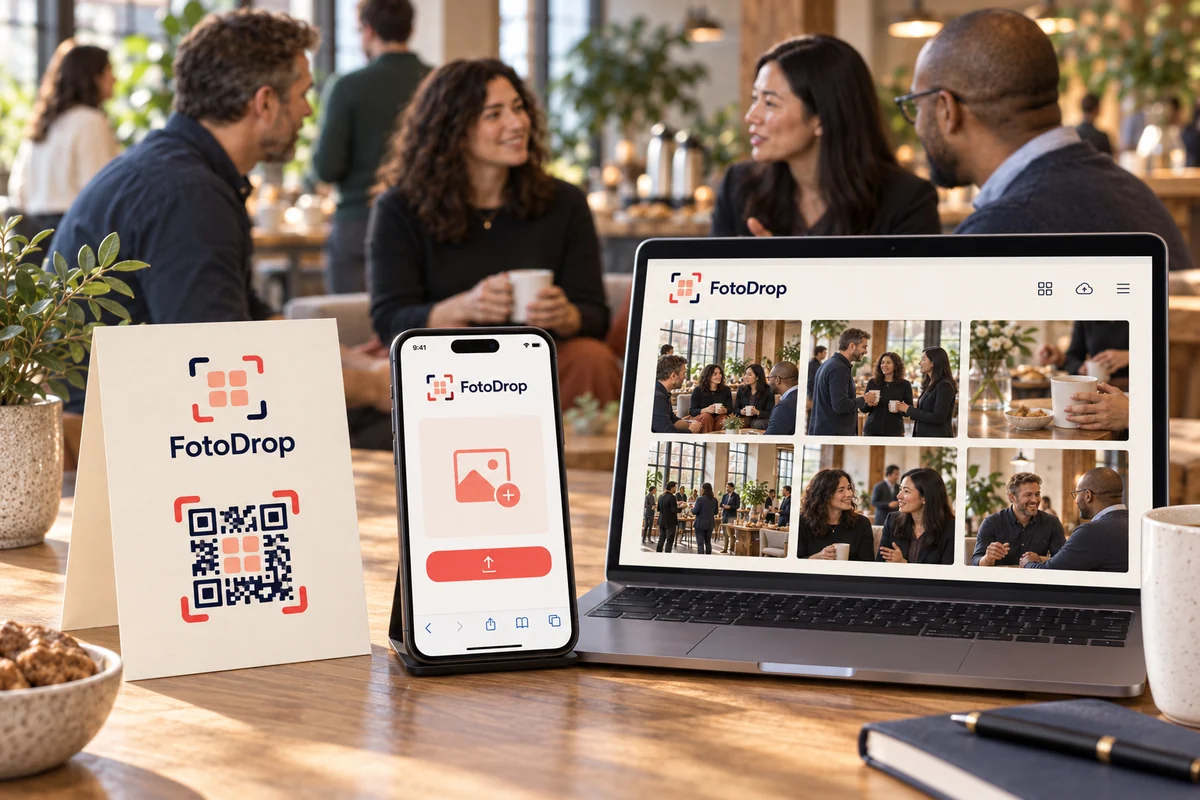
Illustrative business meeting photo with a phone, laptop, and FotoDrop sign

Illustrative photos on this page were generated with AI.

No app for participants Private collection before approval Downloadable materials One-time payment See where your data is processed.

From preparation to sharing

One clear workflow for the whole event.

See what the organizer does and what participants see, from pre-event materials to approved photos.

01 · Before the event

Prepare QR codes for the venue and presentation.

Download Event Kit materials, print them yourself or through a print shop, and add the slide to your presentation.

  • A4 registration poster
  • QR table tent
  • 16:9 programme slide
FotoDrop.eu
SAMPLE EVENT

Add photos from today’s event

Scan the QR code and upload without an app.

fotodrop.eu/
Demo event · Company day
Create a free album for any event at fotodrop.eu
A4 poster 210 × 297 mm
FotoDrop.eu
SAMPLE EVENT

Add photos from today’s event

Scan the QR code and upload without an app.

Demo event · Company day
Create a free album for any event at fotodrop.eu
Demo event · Company day
↕ fold
FotoDrop.eu
SAMPLE EVENT

Add photos from today’s event

fotodrop.eu/
FACE A · welcome · ↻180° FACE B · scan
QR table tent A4 print sheet · fold into a table tent
FotoDrop

Prepare

Add photos from today’s event

Scan the QR code and upload without an app.

16:9 slide Illustrative layout

The sample QR opens FotoDrop’s public site, not an event album.

02 · During the event

Participants scan the QR code and upload photos.

FotoDrop opens in the phone’s browser. No account, installation or company chat needed.

  • Select photos from the phone
  • Optimization before upload
  • Upload confirmation
Guests at a business event talk while one participant uses a phone
Illustrative upload example

Clear confirmation after upload.

4 Selected
4 Uploaded
03 · Review

Choose which photos to share.

In private mode, uploaded photos stay out of the shared link until the organizer approves them.

  • Pending, approved, hidden
  • Clear status for every photo
  • Shared output after review
Host interface concept

Photo review

Illustrative business event photo pending review
Illustrative business event photo approved
Illustrative business event photo hidden
Approve Hide
04 · After the event

Share a link containing approved photos.

Send colleagues, production teams or internal communications only the photos you have reviewed.

  • Gallery of approved photos
  • Link for controlled sharing
  • Selected downloads
Output concept approved

Approved gallery

The sample gallery shows only approved and published photos.

Product preview

From QR code to approved link in four steps.

An interactive storyboard connects materials, uploading, review and sharing for one demo event.

This interactive preview is illustrative. It does not create an event or upload files.

01 · Prepare

QR codes at the venue and on slides.

Consistent materials for the whole event.

FotoDrop.eu
SAMPLE EVENT

Add photos from today’s event

Scan the QR code and upload without an app.

fotodrop.eu/
Demo event · Company day
Create a free album for any event at fotodrop.eu
A4 poster 210 × 297 mm
FotoDrop.eu
SAMPLE EVENT

Add photos from today’s event

Scan the QR code and upload without an app.

Demo event · Company day
Create a free album for any event at fotodrop.eu
Demo event · Company day
↕ fold
FotoDrop.eu
SAMPLE EVENT

Add photos from today’s event

fotodrop.eu/
FACE A · welcome · ↻180° FACE B · scan
QR table tent A4 print sheet · fold into a table tent
FotoDrop

Prepare

Add photos from today’s event

Scan the QR code and upload without an app.

16:9 slide Illustrative layout

The sample QR opens FotoDrop’s public site, not an event album.

When Event Kit is useful

Choose a workflow that suits your event.

Event Kit helps the organizer manage collection, review and sharing across the event.

When Full is enough

You need one album for a private or social event.

  • One host and one album
  • One main QR code
  • Simple private sharing
Create a regular album

When Event Kit is useful

An organizer is responsible for sharing photos from a professional event.

  • QR materials for multiple event locations
  • Review before sharing
  • Gallery link or selection after the event
Prepare Event Kit

Event Kit Base and XL

One event. Two operating levels.

Both variants create one event space with shared management, storage, moderation, gallery and 180-day hosting.

Event Kit Base

€79.00
  • 50 GB for photos and videos
  • Live wall not included
  • Sections and multiple QR collection points within one space
  • Videos up to 1 GB per file
  • Moderation, digital materials and approved sharing
Prepare Event Kit

Event Kit XL

€149.00
  • Managed capacity for demanding events under fair-use limits
  • One controlled live wall included
  • Sections and multiple QR collection points within one space
  • Videos up to 1 GB per file
  • Moderation, digital materials and approved sharing
Prepare Event Kit

One-time payment per workspace through Stripe checkout.

FAQ

Before you prepare your event.

No. They scan the QR code and upload photos in their phone’s browser.

Prepare QR photo collection before your event.

QR materials, private collection, review and sharing in one organizer workflow.

Prepare Event Kit